In short
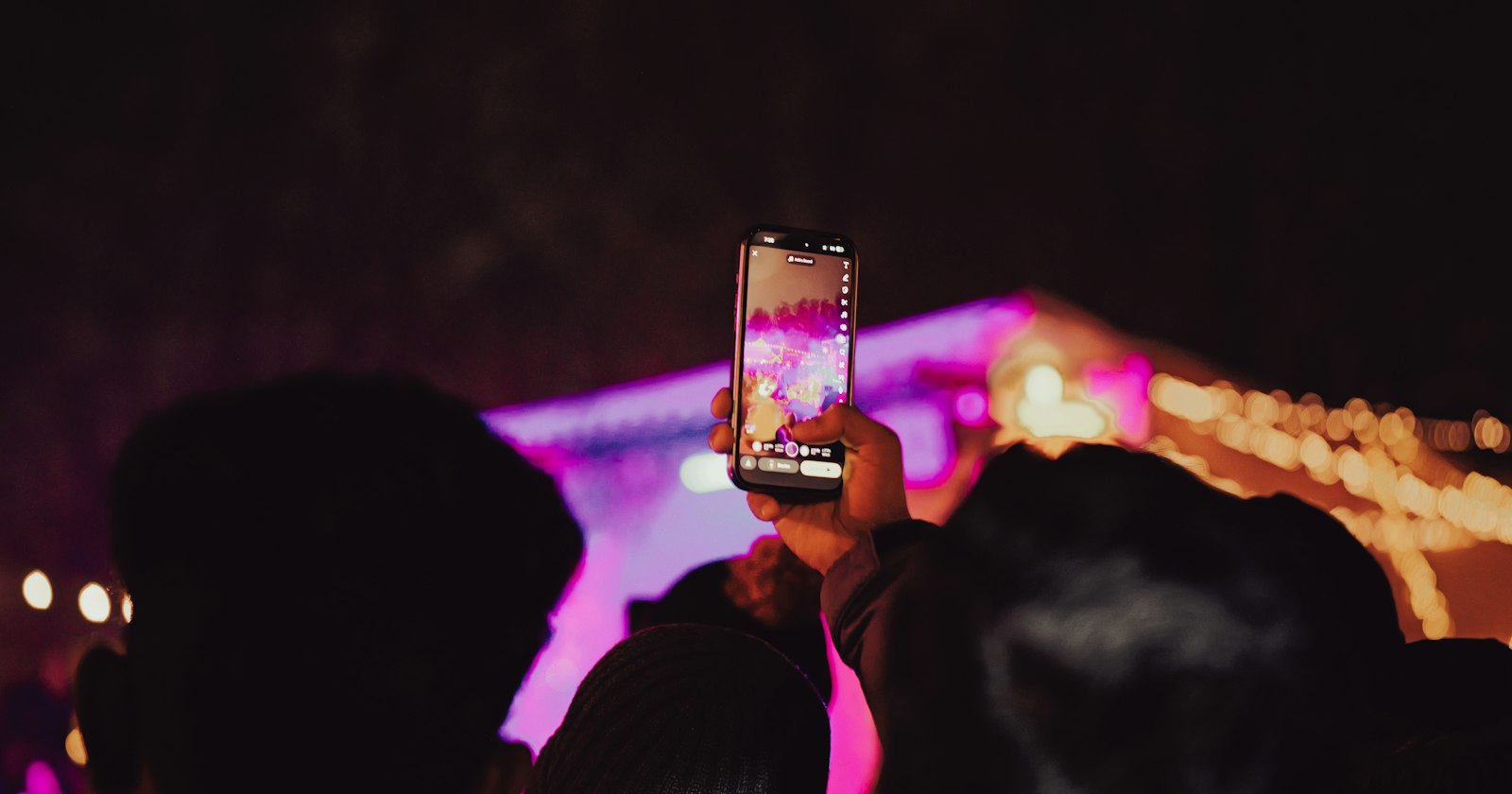
Instead of one quick shot, the phone captures a burst of frames, lines them up and merges them. Google describes this for its Night Sight mode, launched in 2018: depending on how much movement there is, the camera exposes each frame for between 1/15 of a second and one second, then combines them to reduce noise (Google Research). On iPhone (iPhone 11 and later), Night mode switches on automatically in low light, and a number next to the icon shows how long the shot will take (Apple Support).
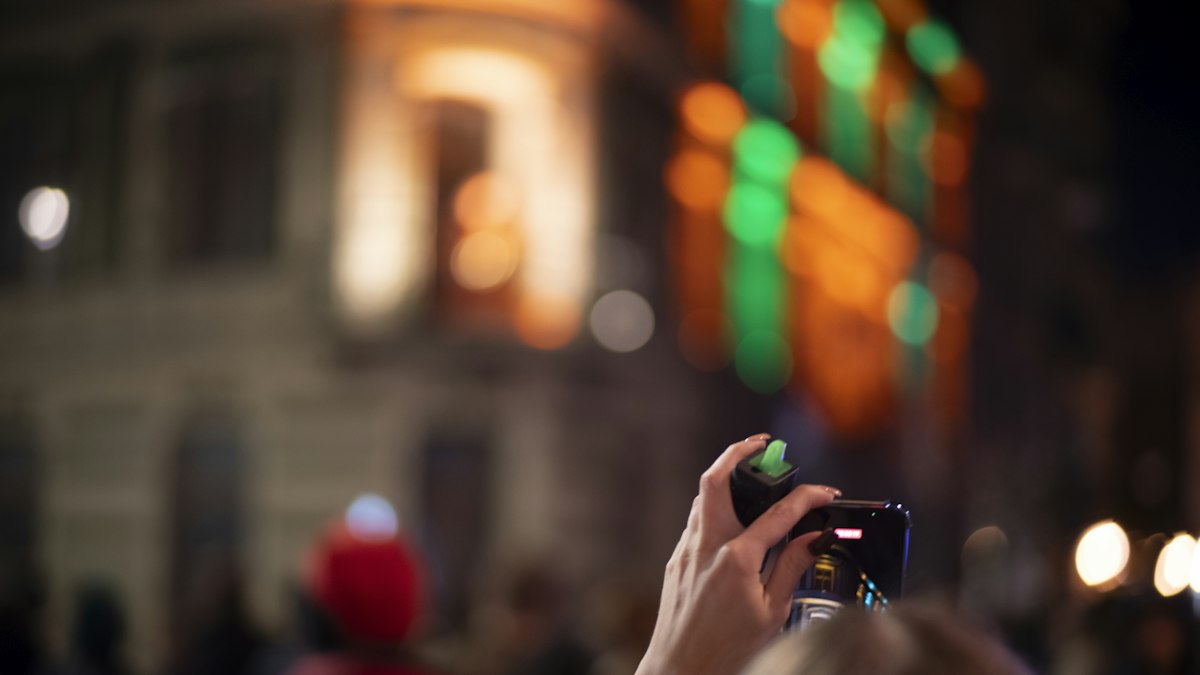 Photo: Maciej Ojrzanowski / Unsplash
Example
New Year's Eve, just before midnight on the balcony: with night mode, the group photo in front of the fairy lights comes out bright and colourful. Anyone who moves during the shot, however, ends up slightly blurred. If everyone stays still for those few seconds, the picture comes out much sharper.
What to watch out for
- Hold the phone still or rest it on something; Apple recommends a solid surface or a tripod.
- The shot takes longer than usual. Don't lower the phone until it's done.
- Moving subjects like the dance floor often work better with a little extra light. More tips: Party photos on your phone.