In short
QR stands for "Quick Response". The code was introduced in 1994 by the Japanese company Denso Wave, originally to track car parts faster on the production line, and it became an ISO international standard in 2000 (Denso Wave: history of the QR code). Unlike a regular barcode, a QR code stores data both horizontally and vertically, so it can hold far more information, such as a full web address.
Two things make it so handy for events. First, current iPhones (iOS 11 and later) and Android phones read QR codes straight from the built-in camera app, no extra app needed (Wikipedia: QR code). Second, QR codes have built-in error correction, so a code that is partly smudged or covered can often still be read. At level M, the most commonly used setting, Denso Wave says roughly 15 percent of the data can be restored (Denso Wave: error correction).
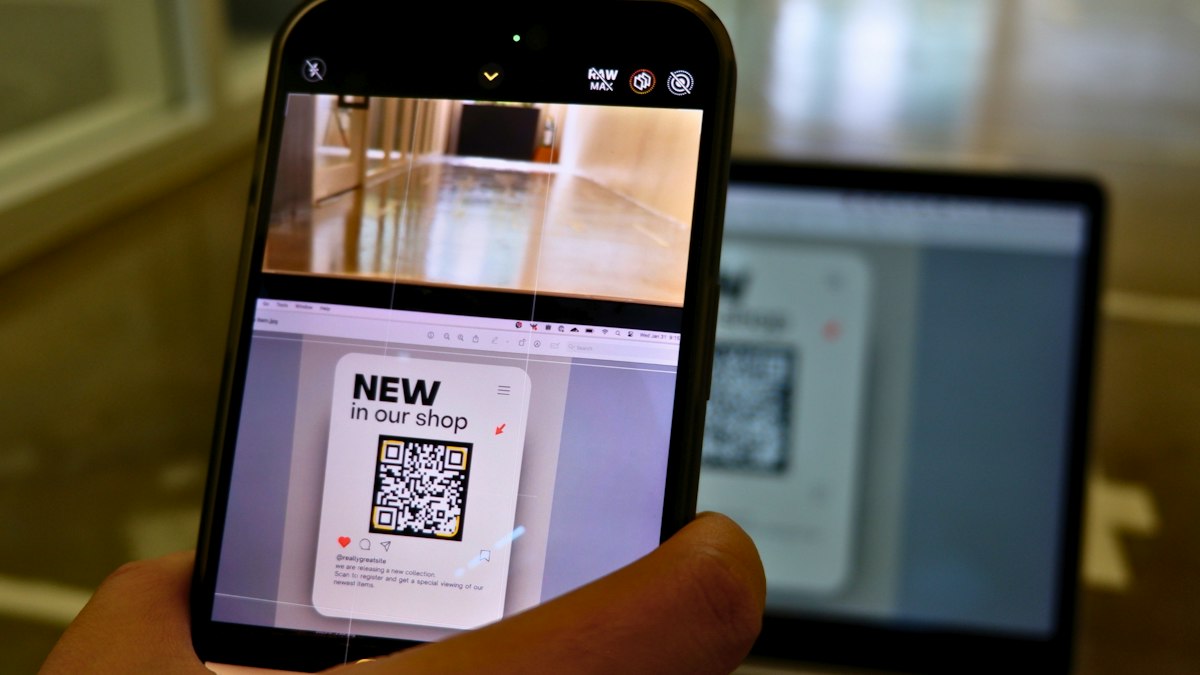 Photo: Marielle Ursua / Unsplash
Example
At a garden wedding, every table has a small card with a QR code. A guest holds their phone over it, taps the link that pops up and lands on the right page without typing an address or a password. Because every guest uses the same code, one design is enough for all the tables, the entrance and the bar.
What to watch out for
- Contrast and size: A dark code on a light background scans most reliably. Don't print it too small, and leave a clear, light border all the way around.
- Test before you print: Scan it with several phones, including older ones, and in dim light, the way it will be in the evening.
- Pick a good spot: At eye or table height, well lit, with no glossy film or glass causing reflections.
- The link is baked in: With a simple (static) QR code, the address is stored in the pattern itself. If the link changes, you have to reprint.
- Only scan codes you trust: A QR code can point to any website, and in public places codes are sometimes covered with fake stickers. Glance at the address your phone shows before you open it.
With Filmriss
With Filmriss you get your QR code as soon as you create your event in the app, and the QR table cards tool turns it into print-ready cards. Guests scan it with their normal phone camera and take photos right in the browser, with no app and no account. See How it works for the full flow, or read QR codes for wedding photos for ideas.