In short
Many event apps and platforms use an event code. Think of it as an address: it tells the system which event something belongs to, so photos, sign-ups or tickets end up in the right place. Often the code is tucked inside a link or a QR code, so guests never have to type it.
In Filmriss, the host gets the event code once they have created an event in the app. The QR table cards tool asks for exactly this code and turns it into print-ready cards carrying your event's QR code. Without a code, the card keeps a placeholder. According to the site, guests join through the QR code or the link. Whether the code can also be typed in by hand isn't described on the website at the moment.
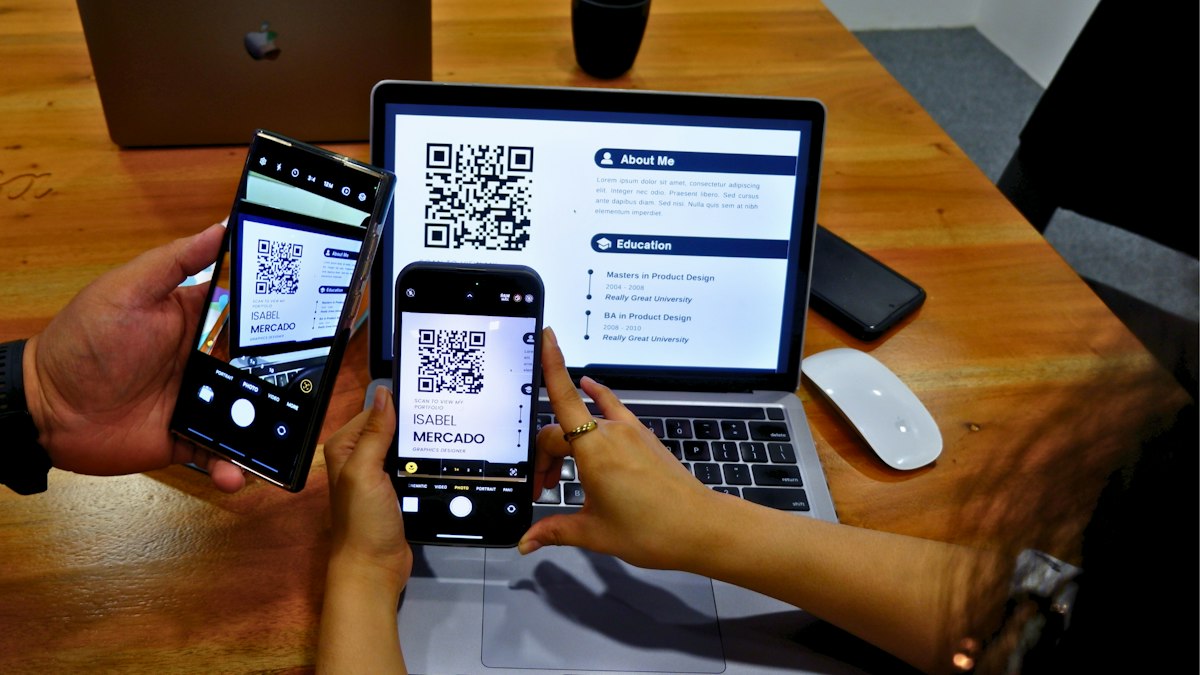 Photo: Marielle Ursua / Unsplash
Example
A couple creates their wedding event, copies the event code, enters it in the QR table cards tool and prints one card for each table.
What to watch out for
- Double-check the code before printing, and test one QR code with your own phone.
- Only share the code and link with your guests, because anyone who has them can join the event.