What Is a Digital Disposable Camera? How It Works, Apps & Pros and Cons
A digital disposable camera puts the rules of a film disposable onto guests' phones: limited shots, no preview, and a shared reveal later. Here is how it works, which apps exist (as of October 2026) and which events it suits.

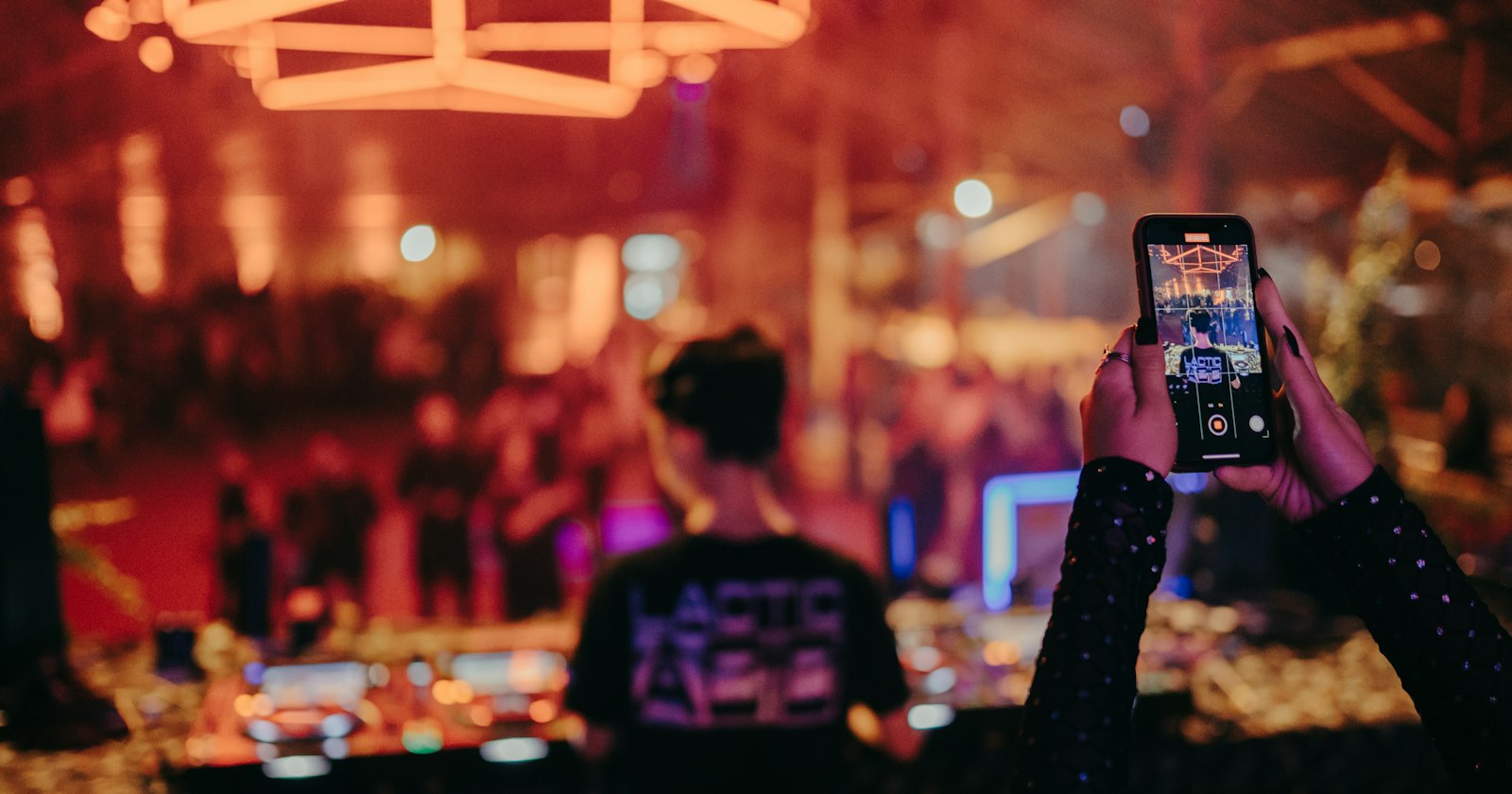
The term has been popping up at weddings, birthdays and work parties for a few years now. It almost always means the same thing: instead of plastic cameras on the tables, every guest uses their own phone, but with disposable-camera rules. Below you'll find how it works, where the trend comes from, how it differs from film cameras and normal photo apps, and which apps offer it.
What is a digital disposable camera?
A digital disposable camera is not a physical camera you throw away. It's a software concept with three features:
- Limited shots: like a roll with 27 exposures, each guest only gets a set number of photos.
- No preview: the photo disappears after you press the shutter, so you can't check it, delete it or retake it ten times.
- A shared reveal: only at a set time do all photos become visible to everyone. This moment is often called the “reveal” or “development”.
For events there's usually a fourth: one shared album for all guests, reached via a QR code or link.
A side note: the term was once used for hardware. German consumer magazine Stiftung Warentest reported in November 2001 on a single-use digital camera from Japan that held about 24 VGA-resolution photos, and which you handed in whole at a photo shop to get prints. It never caught on. Today, “digital disposable camera” almost always means the app version.
How does a digital disposable camera work?
The flow is similar across most apps. Using Filmriss as an example:
- Create an event: the host creates an event in the Filmriss app and sets how many photos each guest can take.
- Put up the QR code: print it and place it on tables, at the bar or by the entrance. Templates are in our QR table cards tool.
- Guests shoot: guests scan the code and take photos right in the browser, with no app and no account. What guests need to know is on the page for guests.
- Wait: during the party nobody sees the photos, not even their own.
- Reveal the next morning: all photos are unlocked for every guest at the same time, in original quality.
- Save your favourites: Filmriss deletes photos automatically after 90 days, so save what you want to keep in time (more on photo privacy).
The full flow is on how it works, and every setting is listed under features.
Where does the trend come from?
The film disposable is a child of the 1980s: according to Fujifilm's own QuickSnap timeline, the first model launched in July 1986, followed in 1987 by a 35 mm ISO 400 version and, in December 1987, the first model with a flash. They went on to become a wedding staple.
Once smartphones replaced point-and-shoots, the idea came back as an app. In 2021, the app Dispo created a lot of buzz by only showing photos the next day (appgefahren, 1 March 2021).
Today's event tools combine both: the waiting and limited shots of a disposable with one shared album every guest reaches through a QR code. That's how POV, Lense and Revel work, and it's how Filmriss works too.
Digital vs. film disposable camera
| Film disposable camera | Digital disposable camera | |
|---|---|---|
| Camera | Plastic camera with film, usually 27 or 39 shots | The guest's own phone |
| Cost | Camera plus developing per roll | Free or priced by guest count, depending on the app |
| Image quality | Film look, fixed focus, weak flash | Phone camera; original quality with Filmriss |
| Getting the photos | Collect, post to a lab, wait | Automatic at the set time |
| Who sees the photos? | Usually just the couple or host | Every guest, in a shared album |
| Works without a smartphone | Yes | No |
| Something to hold | Yes, including negatives | No |
We ran the numbers on film cameras, with real UK and US prices, in Disposable cameras at a wedding: real costs, downsides & alternatives. For a compact side-by-side, see disposable camera or app?
How is it different from normal photo apps and shared albums?
Guests can of course share pictures through WhatsApp, Google Photos or iCloud. The difference is in the rules:
- Normal camera app: unlimited shots and instant preview. You get lots of near-identical photos, and most of them never leave guests' phones.
- Shared album or group chat: guests have to upload photos themselves, often with an account or app. Photos appear instantly, so there's no surprise.
- Digital disposable camera: photos go straight into the event as you take them, with no uploading. The limit makes every shot count, and looking through them together the next day becomes an event of its own.
For every option compared in detail, read how to collect photos from wedding guests.
Which digital disposable camera apps are there?
We checked the websites of the best-known apps on 5 October 2026 and only included what they state there (as of October 2026). Prices and features change, so check for yourself before you decide.
- Filmriss (our product): guests scan a QR code and shoot in the browser, with no app or account. The host sets the number of shots per guest. Photos are developed for everyone the next morning, in original quality, and deleted automatically after 90 days. Free. No video, no live photo wall.
- POV: guests join via QR code, link or NFC wooden block, without downloading an app (App Clips on iOS, a web experience on Android). The host sets photos per person and when they reveal, and can review and delete photos beforehand. According to its pricing page, free for up to 10 guests and paid above that; photobooks are also offered.
- Lense: guests join via QR code or link without an app; per-guest photo limit or unlimited; instant, delayed or private reveal. Storage for 12 months. According to its pricing page, free for up to 7 guests, then for example $34.99 for 100 guests; video and unlimited shots are $9.99 each as add-ons.
- Revel: guests join via QR code, link or NFC tag, with no app or account. Shot limit per guest; the host decides whether photos show in real time or stay hidden until the end, optionally with a countdown. Free for up to 10 participants, larger events via in-app purchase.
| As of October 2026 | Filmriss | POV | Lense | Revel |
|---|---|---|---|---|
| App needed for guests | No (browser) | No | No | No |
| Shot limit | Yes, set by host | Yes, set by host | Yes or unlimited | Yes |
| Delayed reveal | Yes, next morning | Yes, host-controlled | Optional | Optional |
| Video | No | Not stated | Add-on | Not stated |
| Free | Yes | Up to 10 guests | Up to 7 guests | Up to 10 participants |
| Storage | 90 days | Not stated | 12 months | Not stated |
Which events is a digital disposable camera good for?
It works best wherever lots of guests experience the night from different angles:
- Weddings: the classic, because the couple barely see their own reception.
- Birthdays: from milestone birthdays to garden parties.
- Bachelor and bachelorette parties: a shot limit plus photo challenges turns the day into a game. Anyone who doesn't want to join in doesn't have to.
- Company parties and Christmas parties: everyone can shoot, nobody has to install anything.
- New Year's Eve and house parties: a reveal on New Year's morning or the day after.
It's less suitable if many guests won't have a smartphone or there's no signal. See all occasions, and for shot ideas try our party photo challenges.
Pros and cons of a digital disposable camera
Pros
- No spending on cameras or lab fees, and free altogether with some apps.
- All photos land in one place automatically; nobody has to collect anything.
- Every guest sees the photos, not just the host.
- Modern phone cameras cope with low light better than fixed-focus plastic cameras.
- The shot limit and delayed reveal keep the suspense of a disposable.
Cons
- Guests need a smartphone with battery and internet.
- No real film look and nothing physical to keep.
- Some apps charge above a certain guest count.
- Photos are stored by an online service, so check where and for how long.
- If you like seeing photos instantly, the wait takes getting used to.
What is a digital disposable camera?
An app or web app that works like a disposable camera: a limited number of shots per person, no preview, and all photos revealed together at a later time.
Do guests need to download an app?
Not with many apps. With Filmriss, guests scan a QR code and take photos right in the browser, with no app and no account.
Are digital disposable camera apps free?
It depends. Filmriss is free. POV and Revel are free for up to 10 guests or participants and Lense for up to 7 guests, according to their websites (as of October 2026).
When can you see the photos?
That depends on the app and the host. With Filmriss, photos are developed for all guests at the same time the next morning.
Is the photo quality worse than normal phone photos?
It depends on the app. Filmriss keeps photos in original quality.
How long are the photos stored?
Filmriss deletes photos automatically after 90 days; Lense states 12 months. Save the photos you want to keep in time.